
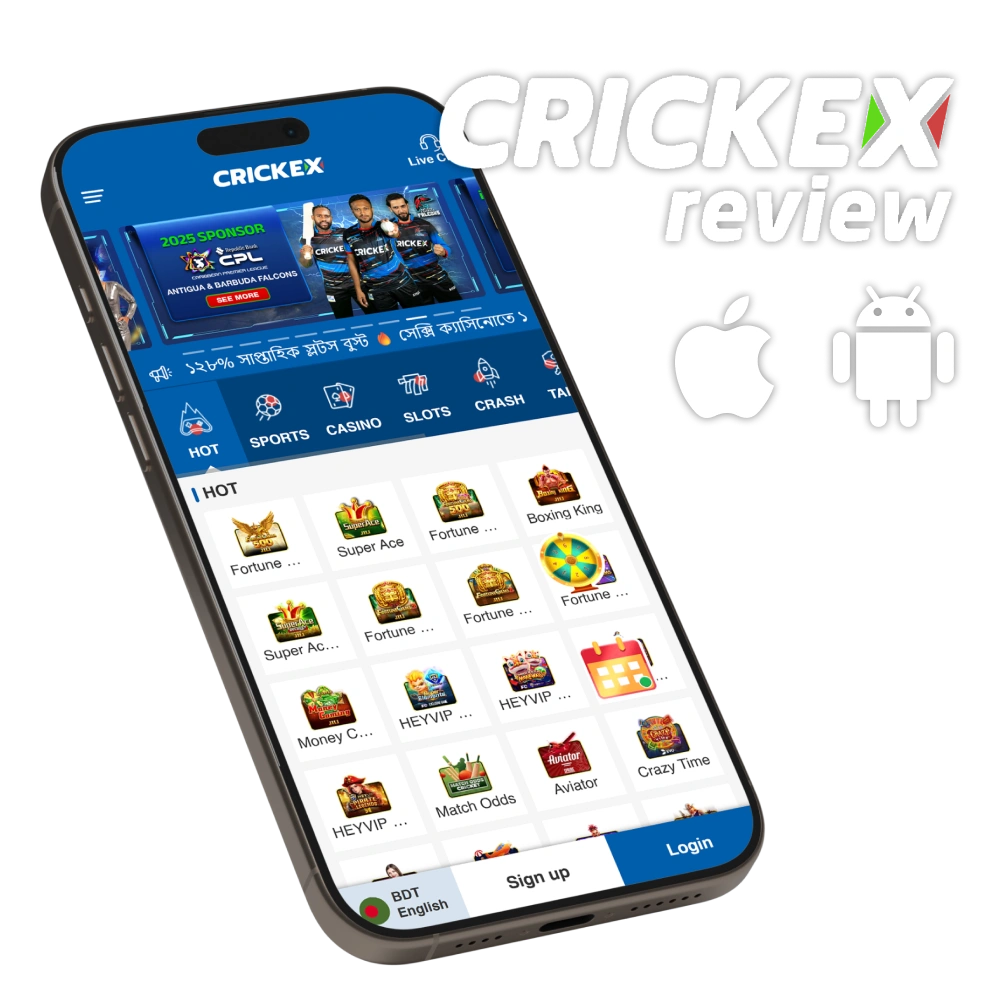
Crickex Mobile Overview
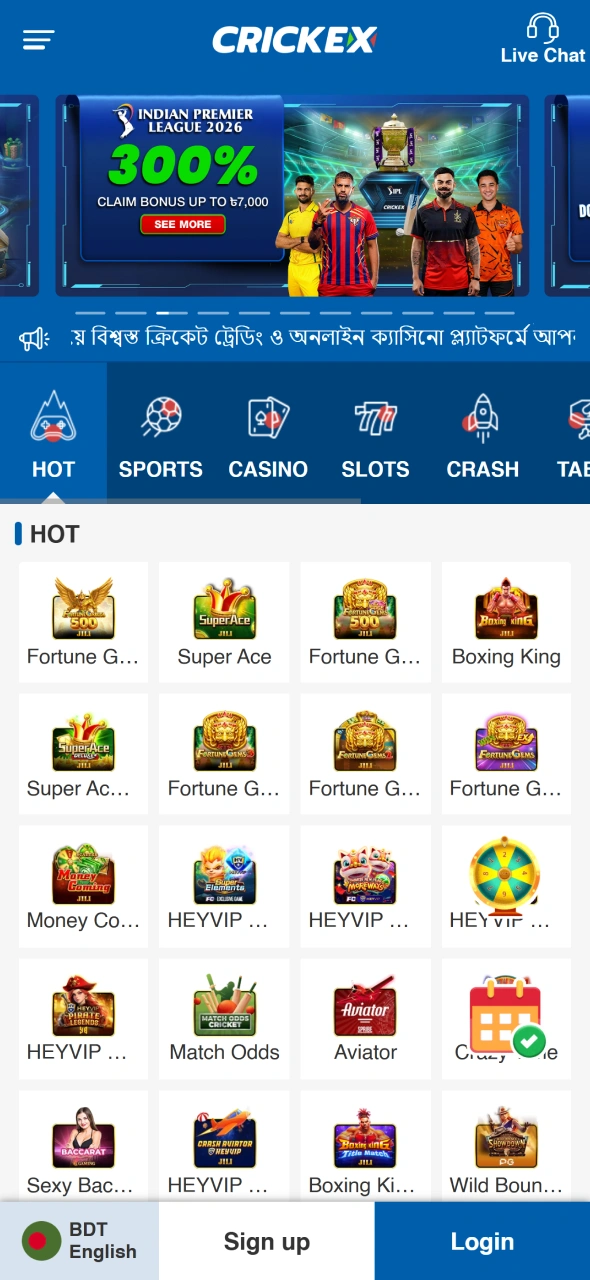
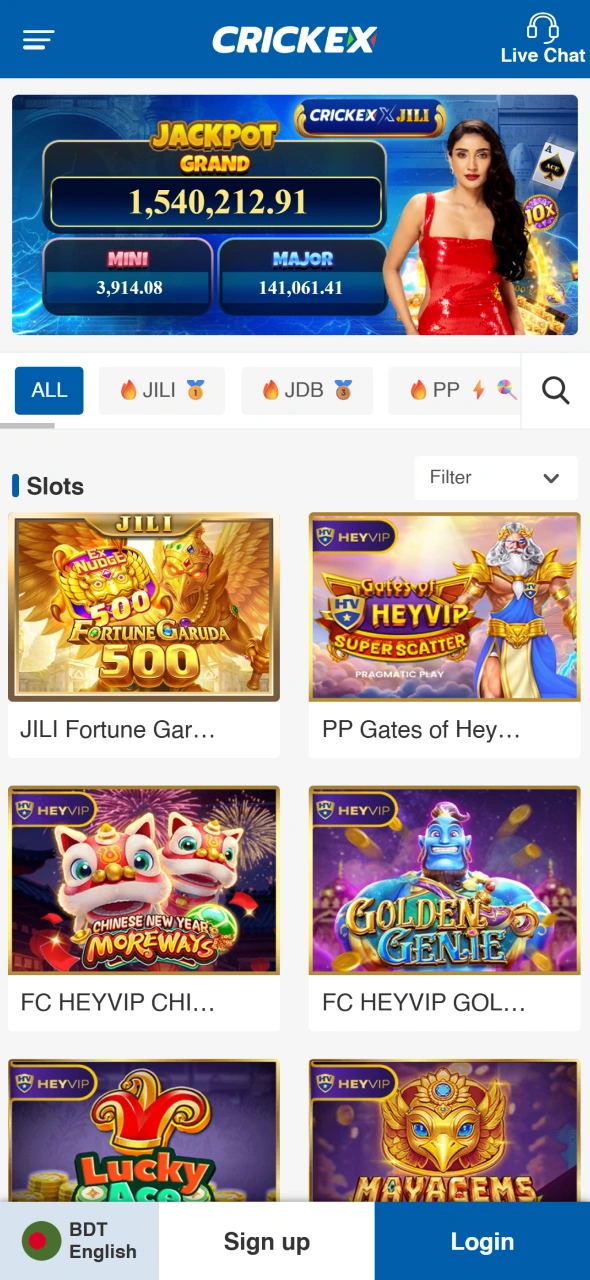
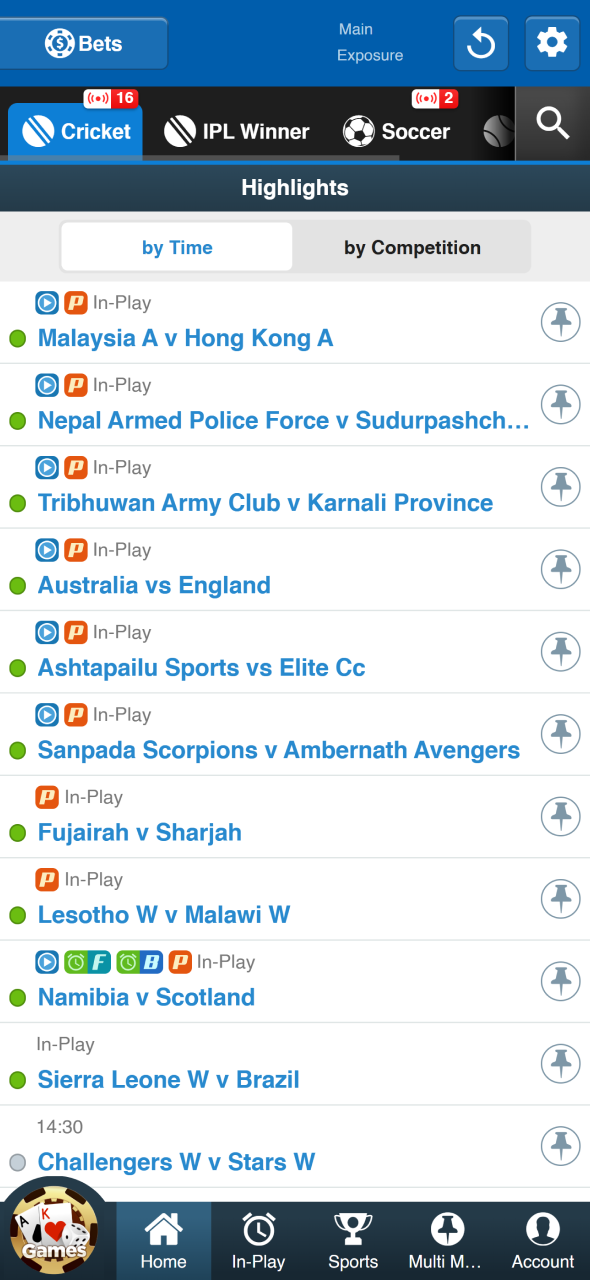
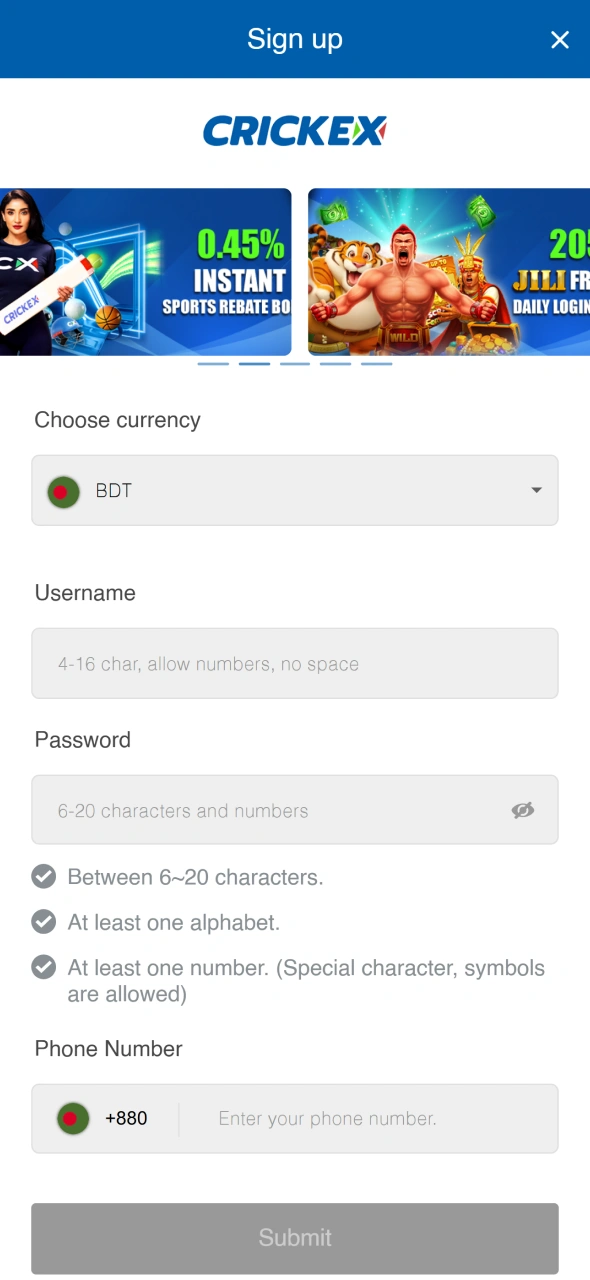
The mobile architecture provides a complete transition from the desktop version to your phone. You find every feature available, including sports markets and live casino tables. The gambling site supports live video streams for major tournaments like the IPL and BPL directly in the interface. This setup helps you follow the action and make choices based on the current score. Crickex maintains high performance across different mobile operating systems to keep the process simple for you.
Optimized Interface
The software stores essential graphic elements and UI components directly on your device memory. This technical solution helps the Crickex app load faster and save mobile data. You can place stakes and browse the casino lobby even if your 3G or 4G connection becomes unstable. This optimization is helpful for users in remote parts of Bangladesh where network signals often change. It makes sure the interface remains responsive and clear at all times.
Real-Time Notifications
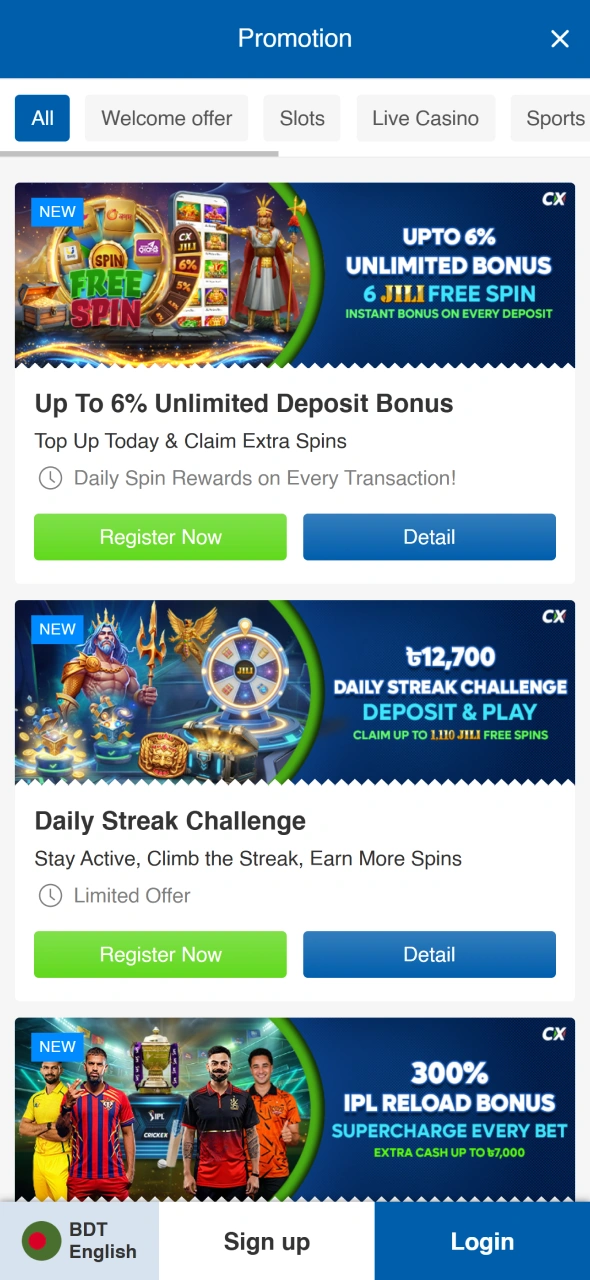
The system for instant alerts keeps you updated on everything that happens during the day. You get messages about cricket scores and changing odds directly on your phone screen. The gambling site also sends a note when your weekly cashback is ready or when a new bonus appears in your account. These alerts mean you do not have to open the site every hour to check for news. You can go into your profile settings to choose exactly which facts you want to see.
Crickex on Android
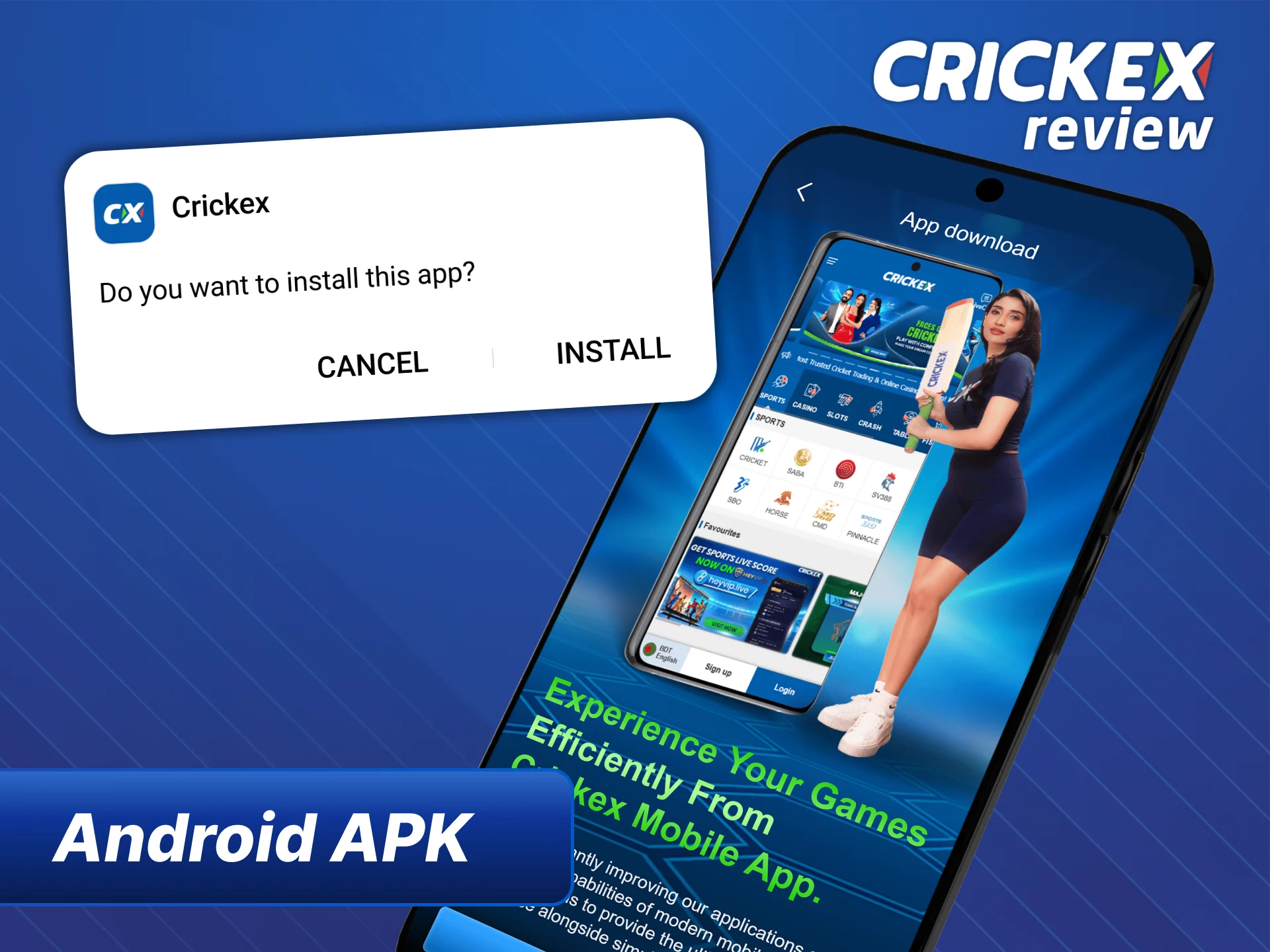
Google Play has strict policies that limit gambling software in many regions, including Bangladesh. Because of these rules, you cannot find the official software in the traditional store. You must obtain the file directly from the source to start your Crickex download process. This method is the standard way for Android users to access professional betting services safely. The gambling site provides a secure file that works on a wide variety of mobile devices.
APK
You should only get the official file from the official Crickex site domain to guarantee your security. The process requires a small change in your phone settings to allow the installation. You must open the “Settings” menu and find the “Security” or “Privacy” section. There, you need to enable the option for “Unknown Sources” to let the phone process the APK file. Once this is done, you can open the file and finish the setup in a few seconds.
System Requirements for Android Devices
The mobile software is built to run smoothly on a wide variety of smartphones without using much space. You can finish the setup in just a few seconds because the file is very light. These settings make sure that the gambling site works well even on older phone models.
The technical needs for your device include:
- File Size. 4-5 MB for the APK;
- Operating System. Android version 5.0 or higher;
- Memory. 1 GB of RAM for stable play;
- Internet. 3G, 4G, or Wi-Fi connections.
These simple requirements allow you to play live games and check odds without any lag or technical errors.
Progressive Web App
Users with Apple devices can use a specialized solution since there is no native software in the App Store. The Progressive Web App acts as a high-quality bridge between the browser and a dedicated interface. This technology allows you to use all Crickex features without downloading large files or worrying about storage. It looks and works like a standard app but runs through your mobile browser. This method ensures that iPhone and iPad users get the same level of service.
How to Install Crickex on iOS via Safari
Apple users can access all gambling services through a specialized web-based solution. This method allows you to use the Crickex without searching for an app in the official store. Since there is no native file to download, this process saves your phone memory and keeps the device running fast. You only need the Safari browser and a few moments to set up a direct shortcut on your home screen.
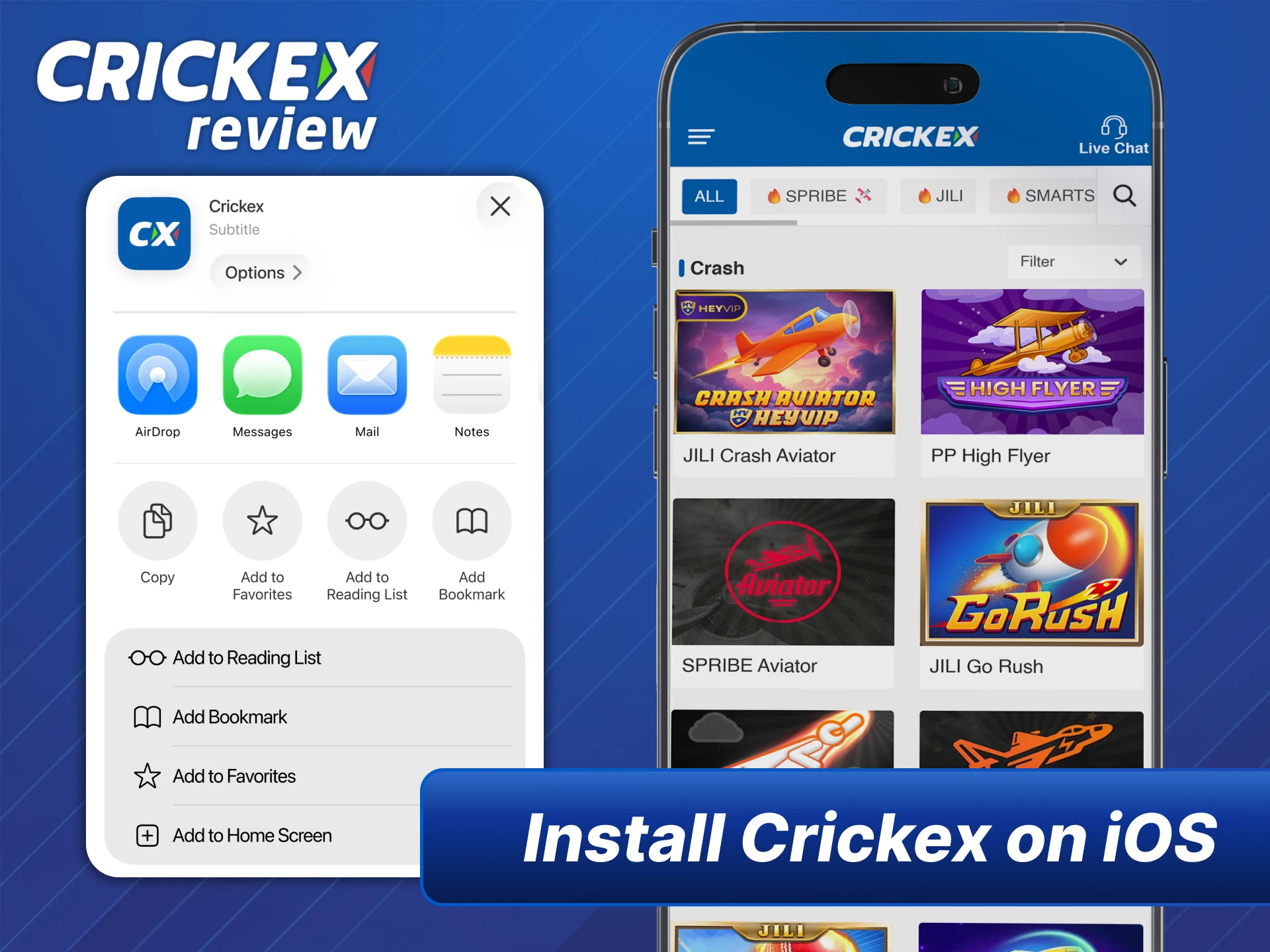
- Open the Safari browser and go to the official crickex.com website.
- Look at the bottom of your screen and tap the “Share” button, which looks like a square with an arrow pointing up.
- Scroll through the menu options until you find “Add to Home Screen” and select it.
- Confirm the name for the shortcut and tap the “Add” button in the top right corner.
Once finished, the Crickex icon appears among your other apps. You can now open the gambling site with a single tap to manage your money and place bets instantly.
Advantages of PWA for Apple Users
The web-based application offers several practical benefits for owners of iPhone and iPad devices. This solution allows you to use all Crickex features without the common barriers found in traditional app stores.
- Zero Storage Load. The shortcut does not take up permanent memory on your device because it runs through the browser;
- Automatic Updates. You always see the latest version of the gambling site since the content refreshes itself every time you open the icon;
- Bypass Restrictions. This technology helps you avoid regional blocks or store limitations that often affect gambling software on Apple products.
bKash and Nagad Integration
The financial system inside the mobile software is built to support local payment habits. You can manage your money through a full integration with mobile financial services (MFS) common in Bangladesh. This setup makes sure that you can add or take out money using your phone wallet without any extra steps. The interface is simple and uses local currency for every transaction. This focus on local systems helps you avoid exchange fees and complicated bank transfers.
Direct Deposit via bKash, Nagad and Rocket
The minimum amount to start playing on the gambling site is 200 BDT. You can choose your preferred method like bKash, Nagad, or Rocket directly in the deposit section. The system shows you a specific agent wallet number that you need to copy. You then move to your MFS app to send the money to that personal number. This direct connection makes the process familiar and easy for most users in the region.
Mobile P2P Agent Network Mechanics
The transaction model links you with a network of local P2P agents to handle money. When you want to add money, you send the amount to the personal mobile number of a master agent. Once the agent confirms the transfer, the digital balance appears in your account within 5 to 30 minutes. This peer-to-peer system is a reliable way to bypass the slow processing times of traditional banks. It allows the Crickex to offer faster services for the local market.
Withdrawal Limits and KYC
You can take your money out of the system once the balance reaches at least 2,000 BDT. Before the first cash-out, you must verify your identity through a simple KYC process. You can upload a photo of your Smart NID Card directly through the mobile interface. This step is a mandatory rule to guarantee that all money goes to the correct owner. The security team reviews these files quickly to unlock all financial features for your profile.
Security and Legal Status
The Crickex takes full responsibility for the safety of its members and their data. International encryption standards are used to protect every piece of information you share. All financial transactions involving bKash or Nagad are hidden behind secure layers to prevent any outside access. The company maintains a professional approach to digital safety to keep the environment honest. Your privacy stays protected at all times while you use the mobile services.
Curacao Licensing and Data Encryption
VB Digital N.V. is the official owner of the gambling site and holds a Curacao license with the number GLH-OCCHKTW0712302019. This legal status means the company follows global rules for fair play and security. The mobile software uses 128-bit SSL encryption to protect your login details and payment history. These technical tools guarantee that your profile remains safe from unauthorized people. Trust and safety are the core parts of the relationship with every user.
Is the App Legal in Bangladesh?
The legal situation for gambling software follows old rules like the Public Gambling Act 1867. This act states that betting activities are generally not allowed within the country. The BTRC also has the right to block domains under the Cyber Security Ordinance 2025. However, this gambling site operates from an offshore zone that stays outside local jurisdiction. You should be aware of these local laws before you decide to use the mobile service.
Responsible Gaming Tools on Mobile
Control over your gambling habits is important for a healthy lifestyle. You can use the Self-Exclusion tool by talking to the support team through the mobile chat. If you feel that you need a break, the staff can block your account for a specific period. The rules of the site strictly forbid you from playing with money that you do not own. You should never use credit or borrowed money for any bets in the casino or sportsbook sections.
FAQ
Is the Crickex app free to download?
Yes. The Crickex platform provides the APK file for Android and the PWA version for iOS absolutely free. There is no charge for installation or subscription.
Can I use the same account for the app and the website?
Yes. A single account works on all devices. Your balance, gift points, and betting history are synchronized in real time between your desktop computer and smartphone.
How do I update the Crickex APK to the latest version?
When the new version is released, the app will offer automatic updates. You can also download the current APK file manually from the official Crickex website.
Is my personal data safe on the mobile application?
The security is guaranteed by SSL encryption and Curacao offshore license. Access to the application can additionally be protected with a password or biometric data from your smartphone.
What should I do if the app crashes or doesn’t open?
It is recommended to check the stability of the Internet connection, update the Android version, or reinstall the application. The Bengali-language support service works around the clock and seven days a week.